Microsoft 365 & Workspace Security
Nobody ever configured your Microsoft 365. It was switched on.
So the defaults are still in place: access far wider than anyone needs, files shared with whoever has the link, and no backup at all — Microsoft keeps your data available, not recoverable.We go through your tenant, fix what is exposed, and leave you with a setup that holds — a fixed-scope engagement, not a subscription.
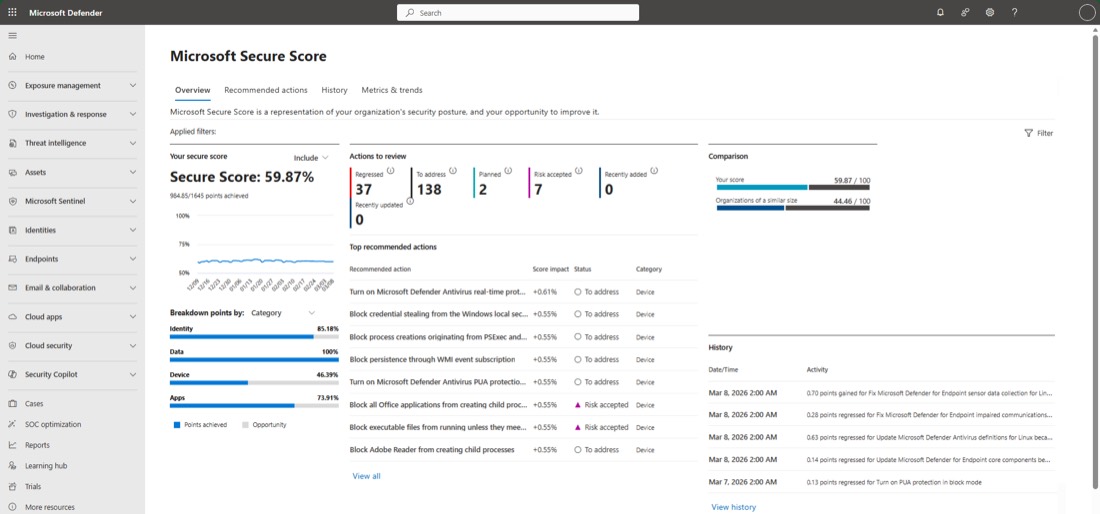
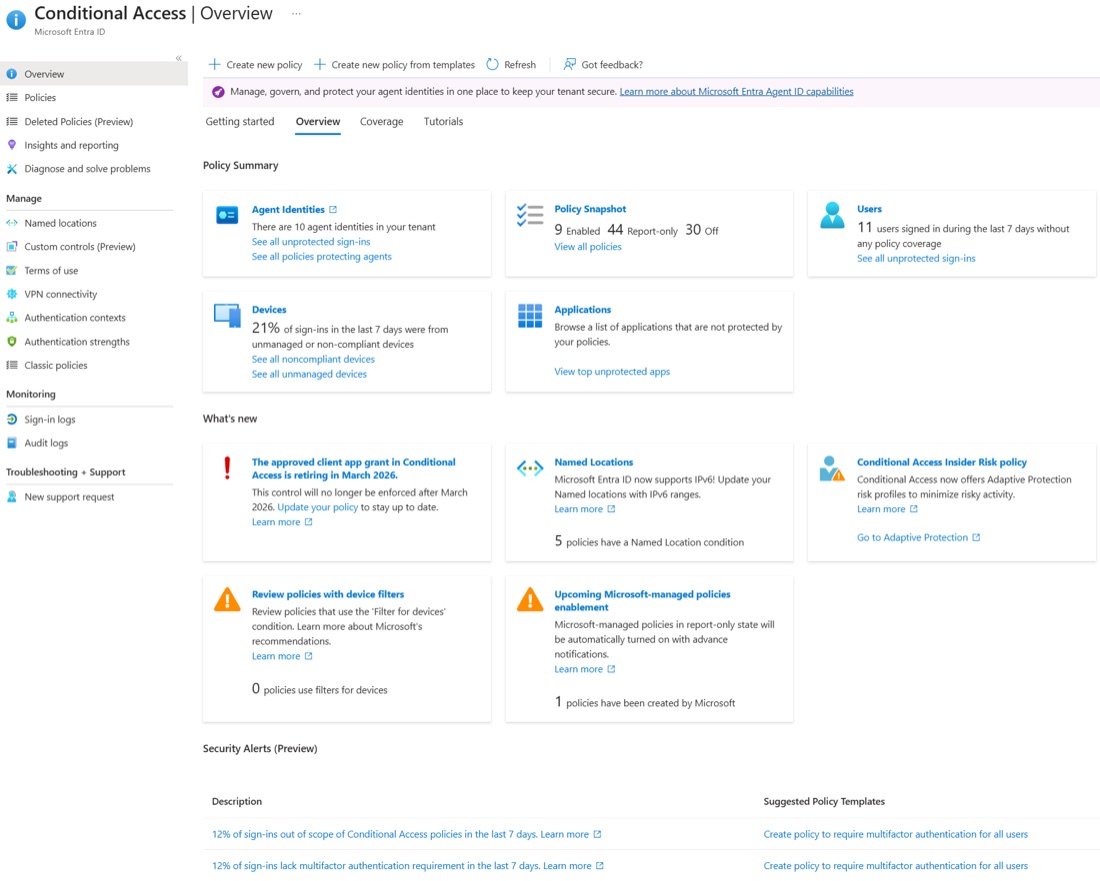
Microsoft 365 baseline — extract
Sample| Area | Finding | Priority |
|---|---|---|
| Identity and accessHigh |
| P1 |
| Vulnerability managementMedium |
| P3 |
| Data protection — residency, encryptionHigh |
| P1 |
| Network securityMedium |
| P2 |
| Workload protectionHigh |
| P2 |
| Logging and monitoringMedium |
| P2 |
| Incident response and continuityHigh |
| P1 |
| Governance and compliance — Loi 25Medium |
| P3 |
01
Assess
- Identity and access — admin roles, guests, multi-factor
- Vulnerability management — release channel and tenant changes
- Data protection — external sharing, retention, residency
- Network security — N/A, this is Microsoft's network
- Workload protection — connected apps and OAuth grants
- Logging and monitoring — audit logging and retention
- Incident response — backup, and whether a restore was tested
- Governance — Loi 25, residency, vendor agreements
Deliverables
- Inventory of accounts, guests and apps
- What is shared outward, and to whom
- A prioritised list of what to fix first
02
Protect
- Identity and access — conditional access, multi-factor, admin roles cut back
- Vulnerability management — a release channel somebody reviews
- Data protection — sharing closed by default, links that expire
- Network security — N/A, handled as conditional access on device and location
- Workload protection — app consent governed
- Logging and monitoring — audit logging on and retained
- Incident response — a backup outside the tenant, restore tested
- Governance — a position per tool, and the residency answer written down
Deliverables
- Nothing shared with the whole internet
- A backup tested by restoring from it
- Stale accounts and apps removed
- A written record of what changed
03
Maintain
- Identity and access — new admin roles, guests who stayed
- Vulnerability management — what each vendor release turned on
- Data protection — what was shared outward since the last review
- Network security — N/A, nothing here changes on your side
- Workload protection — new connected apps, and what they were granted
- Logging and monitoring — whether audit logging is still on
- Incident response — whether a restore still works
- Governance — new tools bought by a department
Deliverables
- A standing review of sharing and roles
- Vendor changes read as they ship
- A restore proven to still work
Not sure what your Microsoft 365 is exposing?
Tell us which tools you run and we will scope the right engagement with you. Or start with the free evaluation — sixty minutes, and a written read on which domains deserve a real look. We reply within one business day.